

It's Wednesday or Thursday, Friday is close, and you're staring at fares that jump every time you refresh. You know where you want to go, or maybe you don't, you just know you have the weekend free and you don't want to overpay for a bad itinerary to use it. That's the exact situation where tool choice matters more than luck.
Don't start by hunting for a promo code. Start with your required travel days, then test what changes when you shift a day, change an airport, change the destination, or book direct. The seven options below aren't interchangeable. One is built for broad comparison, one for date shifting, one for open ended discovery, one for airline direct inventory, and one for future alerts that won't help you this Friday. Use them in that order.
For flight deals for this weekend, speed matters, but so does the total trip cost. A cheap ticket with a paid carry on, a distant airport, and a tight connection can cost you more than a slightly higher nonstop fare. Run the broad search first, check the calendar second, and verify the final price before you pay.
Table of Contents
- 1. Flights
- 2. Google Flights
- 3. Skyscanner
- 4. KAYAK Explore
- 5. Expedia
- 6. Southwest Airlines Low Fare Calendar
- 7. Going
- Weekend Flight Deals: 7-Option Comparison
- Make the Booking Decision Before Prices Move
1. Flights
Start here if you want one search instead of twelve tabs. Easy Travel Bookings Flights compares airfares from multiple airlines and online travel agencies in one place, drawing on a network of more than 70 travel providers that includes major platforms and smaller local systems. That breadth matters late in the week, when the fare you want may not be on the biggest site.
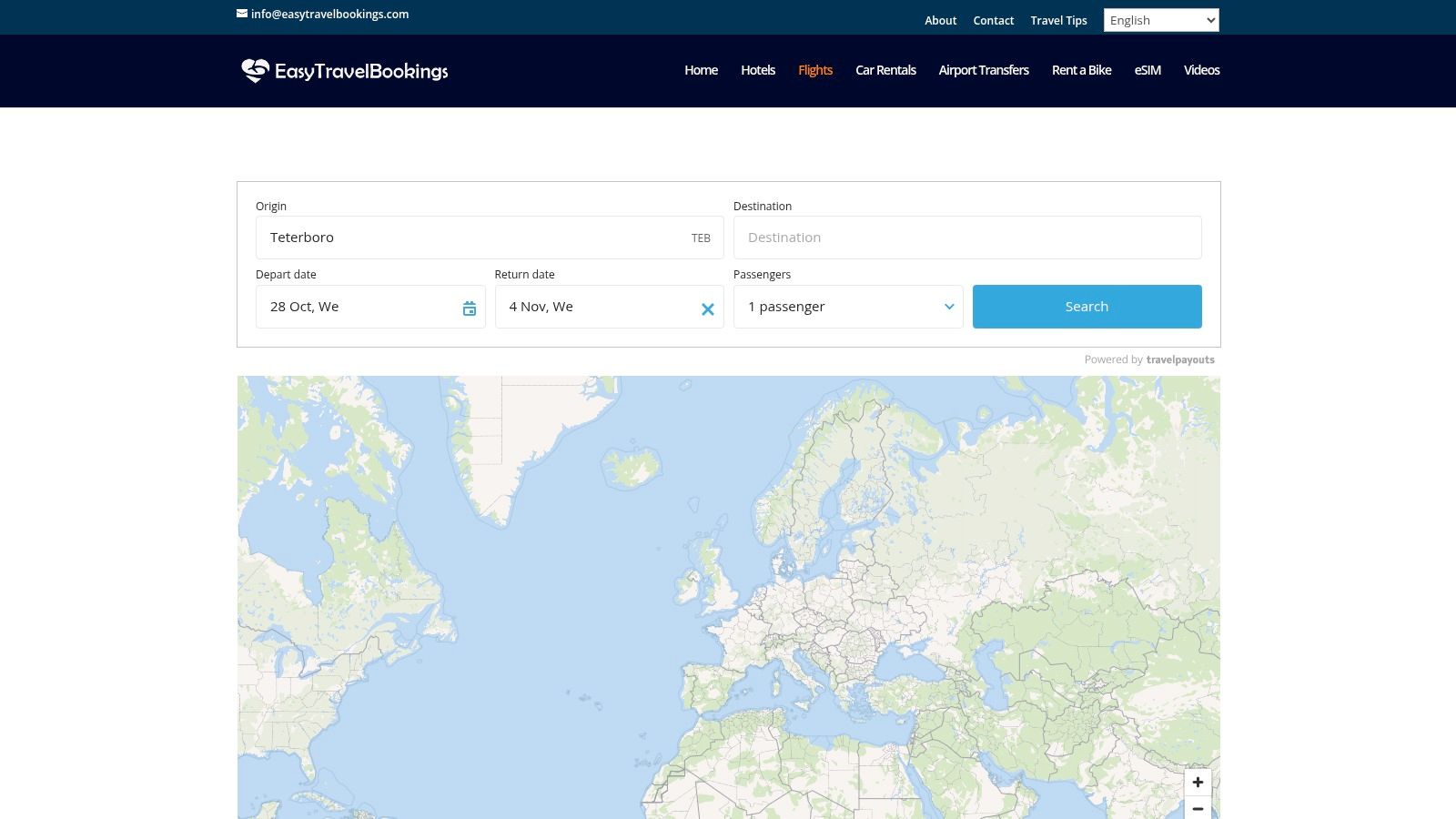
Use it as your baseline search. Enter your ideal weekend dates first, note the best workable price, then you have a number to beat when you test date shifts and direct airline sites. If you're working through the wider steps in last minute travel made easy, this is the logical first check before you lock hotels or transfers.
What to Check Before You Click Through
Judge any fare against today's market, not your memory of old prices. The Bureau of Transportation Statistics fare series lists the average U.S. air fare at $352.27 in 2019, $292.26 in 2020, and $387.74 for 2025. A fare that feels high may still be normal for that route now, so compare it with other options for the same weekend, not with a pre pandemic bargain you once found.
- Provider breadth: Major platforms plus local systems can surface fares you'd miss checking airlines one by one.
- No added mark up: The site states it doesn't add booking fees or mark ups, so compare the partner price at checkout.
- Whole trip fit: Hotels, car rentals, and airport transfers sit in the same service, which helps if you're building the weekend in one session.
Bookings finish with the partner provider, so the checkout experience and fare rules vary by seller. Prices can change before you complete payment, and the page gives limited detail on filters and airline coverage. That's manageable. Use the comparison to find the fare, then read the baggage and change terms on the provider page before you pay.
2. Google Flights
If your dates can move at all, use Google Flights next. Its date grid and price graph show what happens when you leave Thursday instead of Friday, or return Tuesday instead of Sunday. For a weekend trip, that single shift is often the whole deal.
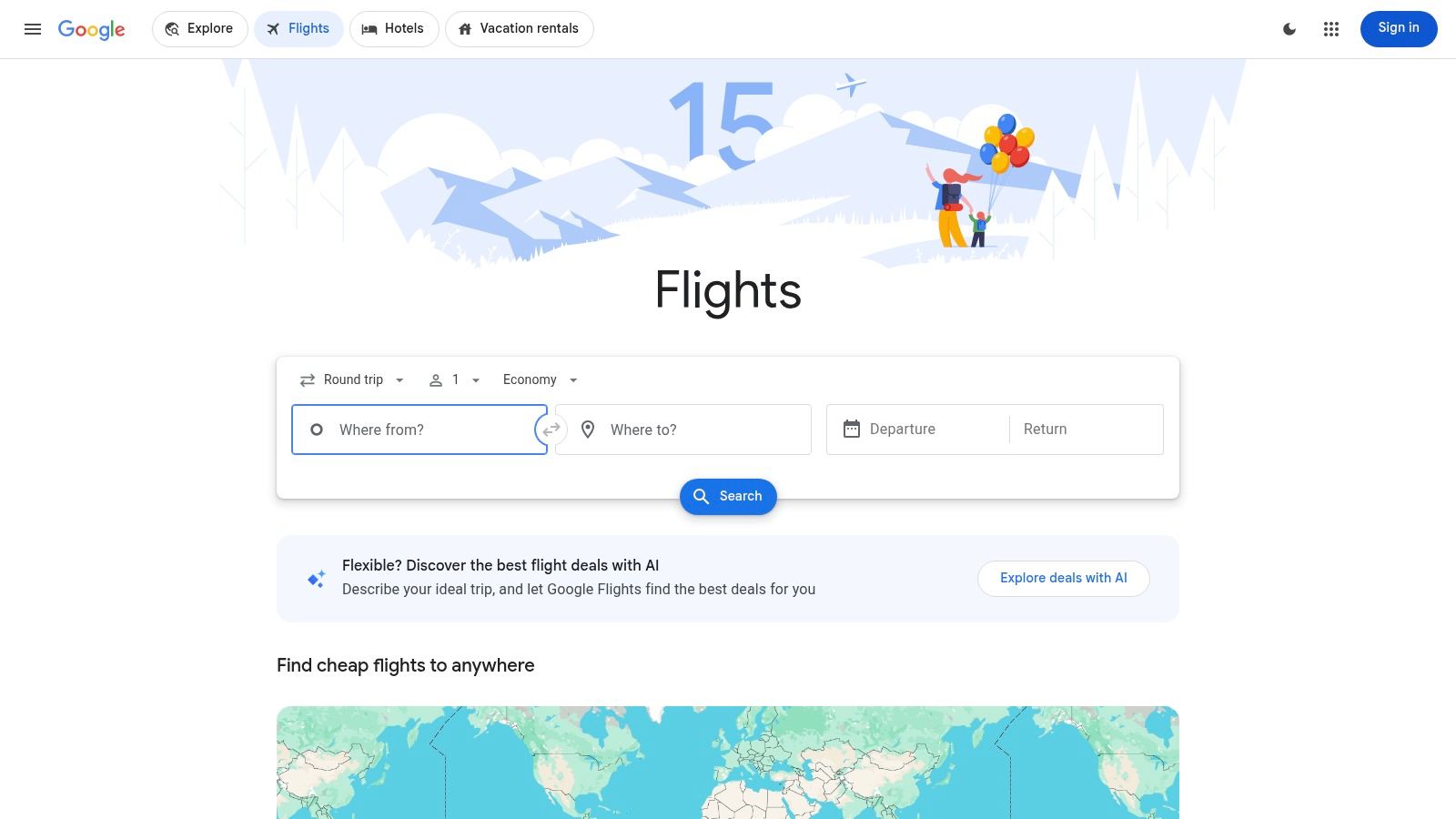
The data backs that up. In Google Flights' analysis of five years of aggregated airfare data, departing Monday and returning Tuesday or Wednesday cost about 14% less than comparable weekend travel, while buying on Wednesday, the cheapest observed booking day, saved only about 1.4% versus Sunday. Don't wait for a magic purchase day. Move the travel day if you can.
Practical rule: Test travel dates before you test booking days. The departure day changes the fare far more than the day you click buy.
That same analysis put the broad domestic booking window at 22 to 57 days before departure, which you're already past for this weekend. That's fine. Use the calendar tools now, set price tracking if you can wait a few hours, and read the best day of week to book flights to separate booking day myths from travel day savings. Booking finishes with the airline or another provider, and the cheapest result may exclude bags or seat selection, so verify the total before you commit.
The tool searches offers from more than 300 travel partners, and filters for stops and airlines help you drop itineraries that waste a short weekend.
3. Skyscanner
You have the weekend. You don't have a destination. That's when Skyscanner earns its place, because its Everywhere search ranks getaways by price from your departure airport instead of forcing you to name a city first.
Run Everywhere for your exact dates, then open the whole month view for your top two or three places. You'll see quickly whether your first choice is priced for peak demand while a similar city is wide open. Set a Price Alert on the route you like if you're not buying in the next hour.
Capacity is the reason to stay flexible. Airlines entered 2025 with a global passenger load factor of 83.6%, with domestic load factor at 83.7%. Planes are full, so a sold out or expensive nonstop doesn't mean the weekend is dead. Check nearby arrival airports, earlier departures, and one stop options, because fares can diverge sharply between individual flights when seats are scarce.
How to Use It Well This Weekend
- Start broad: Search Everywhere first, shortlist by flight time, not just price.
- Compare airports: Add nearby departure and arrival airports before you give up on a route.
- Verify on click through: Skyscanner sends you to the airline or provider to book, and a fare can disappear in that handoff.
Low headline fares may carry restrictions or extra costs for bags. Check that on the booking page, not in the search results.
4. KAYAK Explore
KAYAK Explore does destination discovery on a map. Enter your starting airport, set a budget, pick your weekend or a broader window, and filter by stops, flight duration, and trip type. If you won't fly more than three hours for a two day trip, the duration filter does the useful work.
Treat every fare on the map as a lead, not a promise. Explore prices come from recent searches and aren't guaranteed, and they may not include baggage fees. Click through, rebuild the itinerary for your exact dates, and only then compare it with your baseline from your first search.
Reliability belongs in that comparison. The Bureau of Transportation Statistics delay data defines a delayed domestic flight as arriving at least 15 minutes after schedule, and its cited national snapshot reported 71.53% on time arrivals and 2.00% cancellations. On a short weekend, a cheap itinerary with a tight connection and no later alternative is poor value, even if the map price looks great.
For a 48 hour trip, I'd pay a bit more for a nonstop morning flight than save a little on the last connecting flight of the day.
Favor nonstop service when Explore surfaces it, allow at least two hours for domestic connections if you must connect, and check whether there's a later flight the same day. Some functions may ask for an account or app sign in, and Price Alerts are available after you check current options. Use Explore to find the place, then use a live search to prove the fare is real.
5. Expedia
Expedia Flights works best when you want deal suggestions pushed to you, or when you might bundle the flight with a hotel. Its app based Flight Deals feed highlights fares Expedia identifies as meaningfully below typical prices, and eligible searches offer price tracking and alerts.
That's a different workflow from a fixed route search. Open the feed, see what's discounted from your area this weekend, and decide if any of those destinations work. If you're also booking a room, compare the bundle against separate prices, and check what's covered in a discount travel package before you assume bundling saves money.
Count the Whole Trip, Not the Headline Fare
Baggage is where weekend deals fall apart. IATA's 2025 Global Passenger Survey reported that 91% of travelers interested in sending luggage ahead wanted to check it in, which tells you senders aren't traveling with a personal item only. Build three totals if you can, personal item, carry on, and checked bag, and add airport transfers before you call anything cheap.
Expedia shows price history and predictions on selected routes, but predictions aren't guarantees and fares move fast close to departure. Displayed prices may exclude paid seats or checked bags. The Flight Deals feed is app based, so desktop only shoppers miss that view. One way, round trip, and multi city searches are all available, which helps if flying into one city and out of another makes the weekend work.
6. Southwest Airlines Low Fare Calendar
After the metasearch tools, check one airline direct, especially if it doesn't always show up the way you expect in comparison results. The Southwest Airlines Low Fare Calendar shows Southwest's lowest available fares by date for a route you select, so you can see the whole week around your weekend at once.
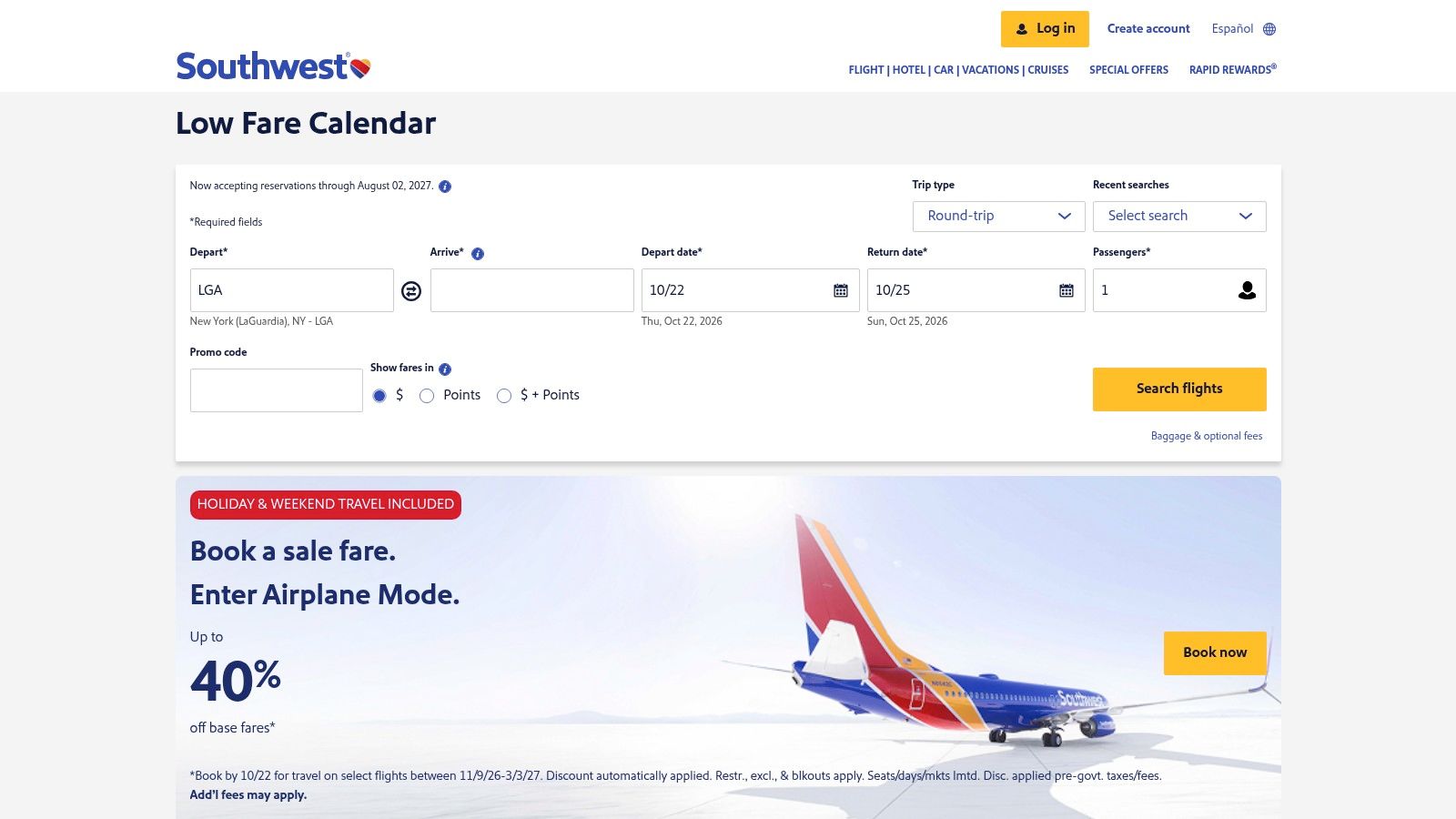
Use it as a follow up check, not your only search. Pick your route, scan the one way "as low as" fares across Thursday through Tuesday, and note whether shifting a day drops the price enough to change your plans. Then book directly with Southwest, which avoids an intermediary if you need to change something later.
- Direct inventory: You're seeing Southwest's own fares and booking options, not a reseller's version.
- Date comparison: The calendar layout makes cheaper adjacent days obvious in seconds.
- Sale fit: It pairs well with Southwest sale offers and fare emails if you already follow them.
The limits are clear. It shows only Southwest flights, so you'll never see a competitor's cheaper nonstop here. The lowest advertised fare may not exist for the flight time you want, and fare rules and included features differ by fare type, so read them before you pay. If Southwest doesn't serve your route well, skip this step and spend the time on nearby airports instead. Don't force a bad route just because the calendar is easy to read.
7. Going
Going is not a search engine, and it doesn't sell tickets. It sends deal alerts for departure airports you select, based on fares its team identifies. That's useful, just not for a guaranteed flight this Friday.

The free Limited membership includes a selection of domestic economy deals. Premium adds international economy deals, and Elite adds premium economy, business, and first class deals. Going says its deal screening includes human review, which is the point. You're paying, or signing up free, so you don't have to monitor fares yourself.
Be clear about the trade off. Alerts depend on your selected departure airports and on what fare opportunities exist, and they're generally aimed at future travel. You can't type in this weekend, your city pair, and your required times, and expect a complete comparison back. For a single spontaneous trip, a paid tier may offer limited value.
When Going Actually Helps
Sign up today anyway if you take weekend trips often. Set your home airports, let alerts build a shortlist of places that regularly go cheap from your city, and next time you'll start the weekend search knowing which destinations are realistic. This weekend, though, book through the search tools above. Going is your planning ahead layer, not your last minute rescue, and treating it that way keeps you from waiting on an alert that may never come for your dates.
Weekend Flight Deals: 7-Option Comparison
| Flight option | 🔄 Implementation complexity | Resource requirements | ⚡ Key capability | 📊 Expected outcome | 💡 Ideal use case |
|---|---|---|---|---|---|
| Easy Travel Bookings | Low: search multiple providers in one place | Free to search; booking is through partners | 70+ travel-provider network and global coverage | Compare fares alongside other trip-planning services; prices may change | Comparing flight options while planning a wider trip |
| Google Flights | Low: quick search with filters and date tools | Free; booking is through airlines or other providers | Date grid, price graph, filters, and fare alerts | Easier date comparison and fare monitoring; displayed fares may have restrictions | Finding lower fares by adjusting travel dates |
| Skyscanner | Low: route, month, or destination search | Free; booking is through listed providers | Whole-month view, Everywhere search, and Price Alerts | Discover date or destination alternatives; fares may change before booking | Flexible travelers open to different destinations |
| KAYAK Explore | Low to moderate: enter origin and set map filters | Free to explore; some features may require sign-in | Map-based destination search with budget and trip filters | Find destinations matching selected criteria; fares are indicative, not guaranteed | Choosing a weekend destination within a budget |
| Expedia | Low: standard flight search; deal feed is app-based | Free to search; app needed for Flight Deals | Deal feed, alerts, and flight-and-hotel booking | Track selected fares and find deals; predictions are not guarantees | Combining flight searches, alerts, and hotel planning |
| Southwest Low Fare Calendar | Low: select a route and compare dates | Free; direct booking with Southwest | Date-based view of Southwest fares | Identify lower fares on Southwest routes; no cross-airline comparison | Checking flexible dates for a Southwest-served route |
| Going | Low after selecting departure airports | Free limited tier; paid tiers expand deal coverage | Curated fare alerts for selected U.S. airports | Receive deal notifications without repeated searches; not a live booking tool | Planning ahead for deals rather than booking an immediate trip |
Make the Booking Decision Before Prices Move
You don't need all seven tools. You need a sequence. Start with a broad comparison to set your baseline, use a calendar tool to test date shifts, use a discovery tool if the destination is flexible, check one airline direct if it serves your route, and let alerts handle future trips. That's a complete workflow you can finish in one sitting.
Before you pay, compare the total journey price. Add the bag you'll bring, seat selection if you need it, and transport to and from both airports, especially if a secondary airport adds a train fare, taxi, or parking. A slightly higher nonstop fare often wins once you count lost time on a trip that's only two days long. If the cheapest option requires a long connection, an airport change, and a checked bag fee, it's not the cheapest trip.
Weigh reliability the same way. During an aviation control crisis in November 2025, airlines canceled more than 2,800 flights and delayed over 10,200 in one Sunday, after the FAA ordered a 4% reduction in daily flights at 40 major airports. Most weekends aren't that bad, but the lesson holds. If you have a fixed event, a prepaid hotel, or no flexibility, buy the itinerary with a nonstop flight, a reasonable connection, and a later alternative the same day. A fare that costs a little more is the better bargain when a missed outbound destroys the purpose of the trip.
Confirm baggage and seat rules on the final booking page, check whether shifting one travel day lowers the cost, and check current weather and airline disruption notices before you purchase. Use a metasearch engine such as Easy Travel Bookings for the broad comparison, then confirm the final itinerary and purchase directly with the airline or a trusted provider when that gives you better terms. If the fare works, book it. Weekend inventory doesn't wait while you think it over, and the fare you found is only a deal once it's ticketed in your name.
Run your first broad search now at Easy Travel Bookings, where you can compare flights from major platforms and smaller local systems in one search without added booking fees, then finish with the trusted provider offering the fare that fits. While you're there, line up your hotel, car rental, or airport transfer in the same place so this weekend's trip is sorted in one session.